← Volver a la tienda · Extensiones para Aseprite
Sobre este producto
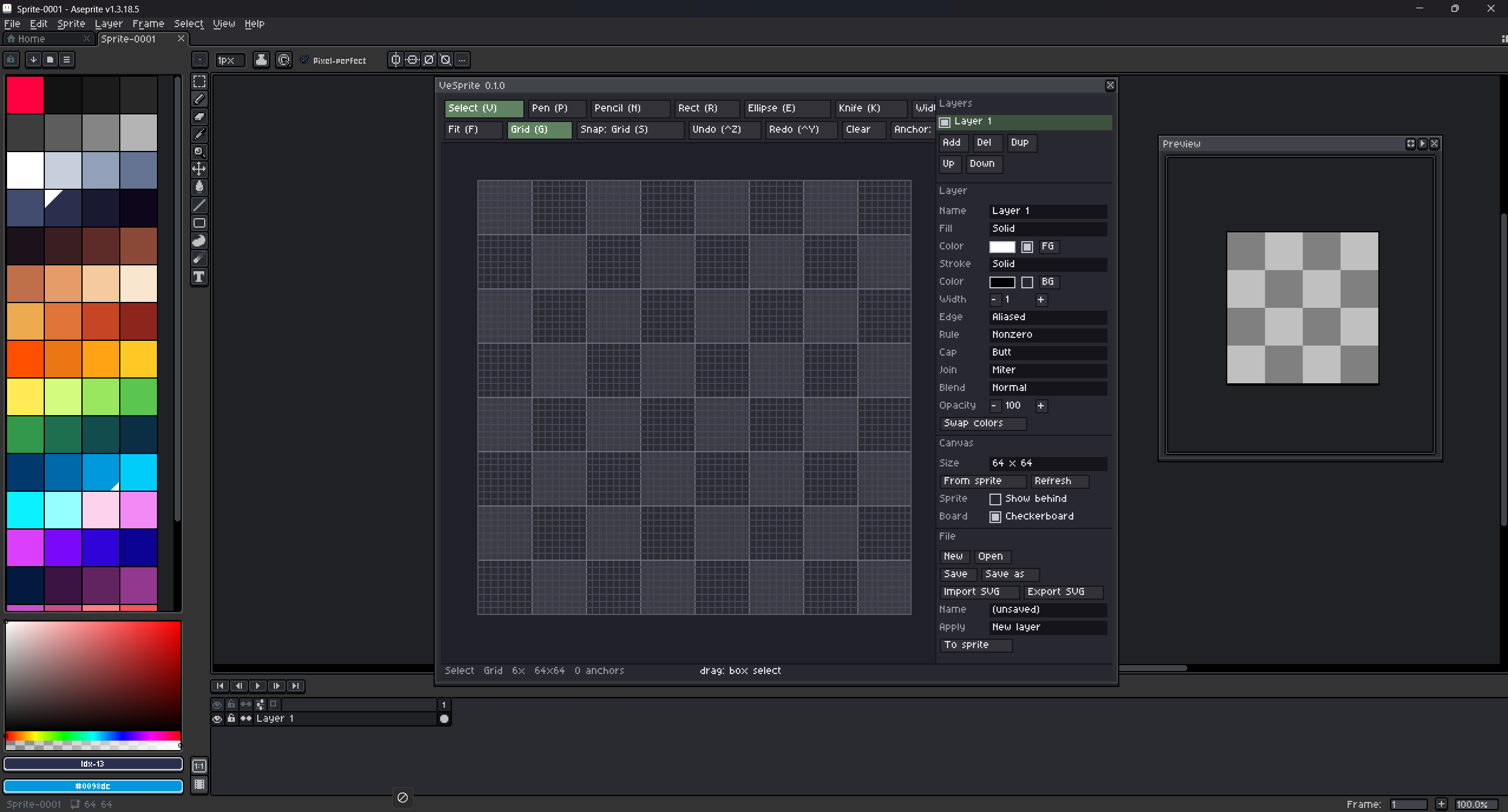
VeSprite is a small vector editor inside Aseprite.
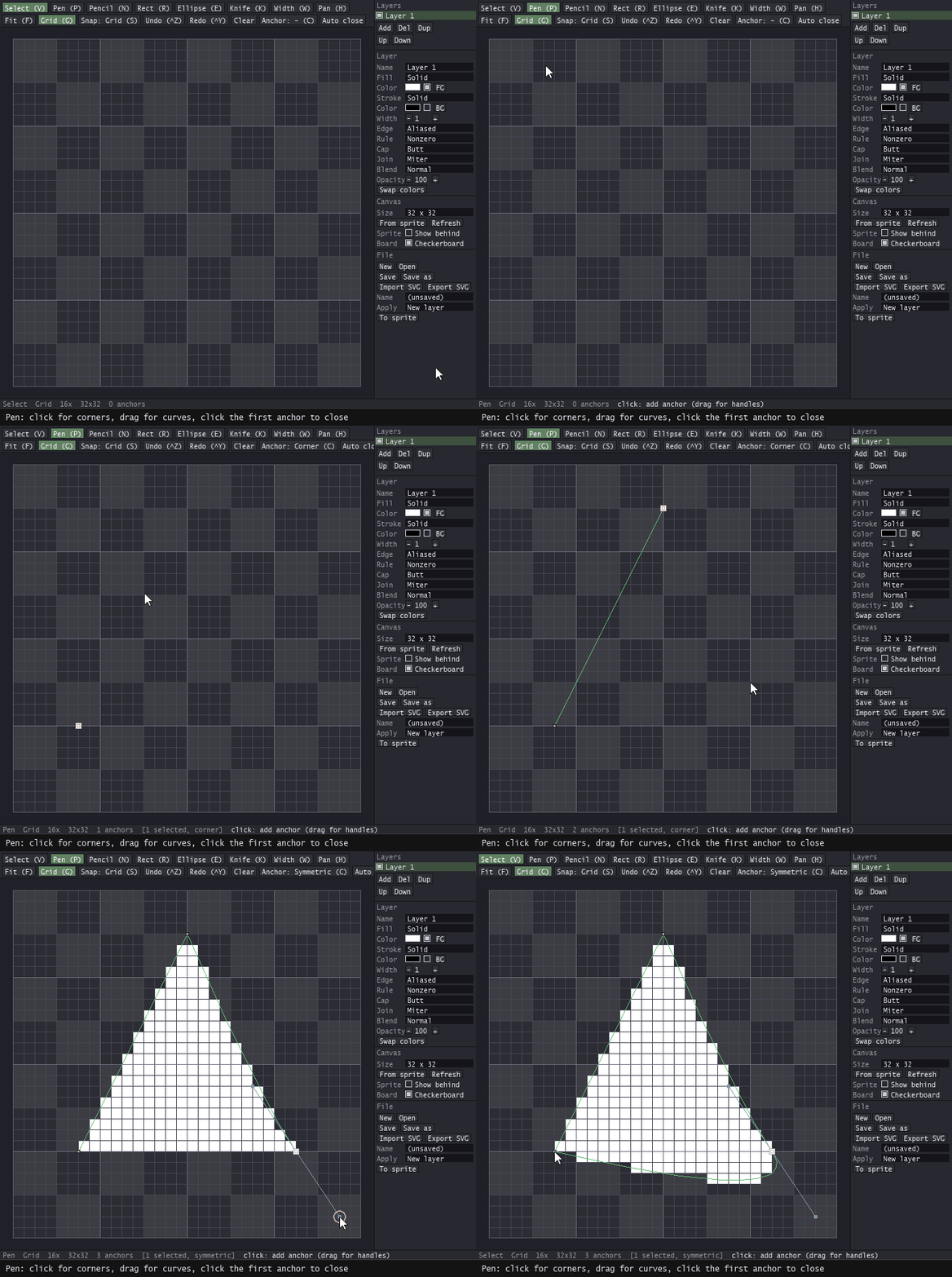
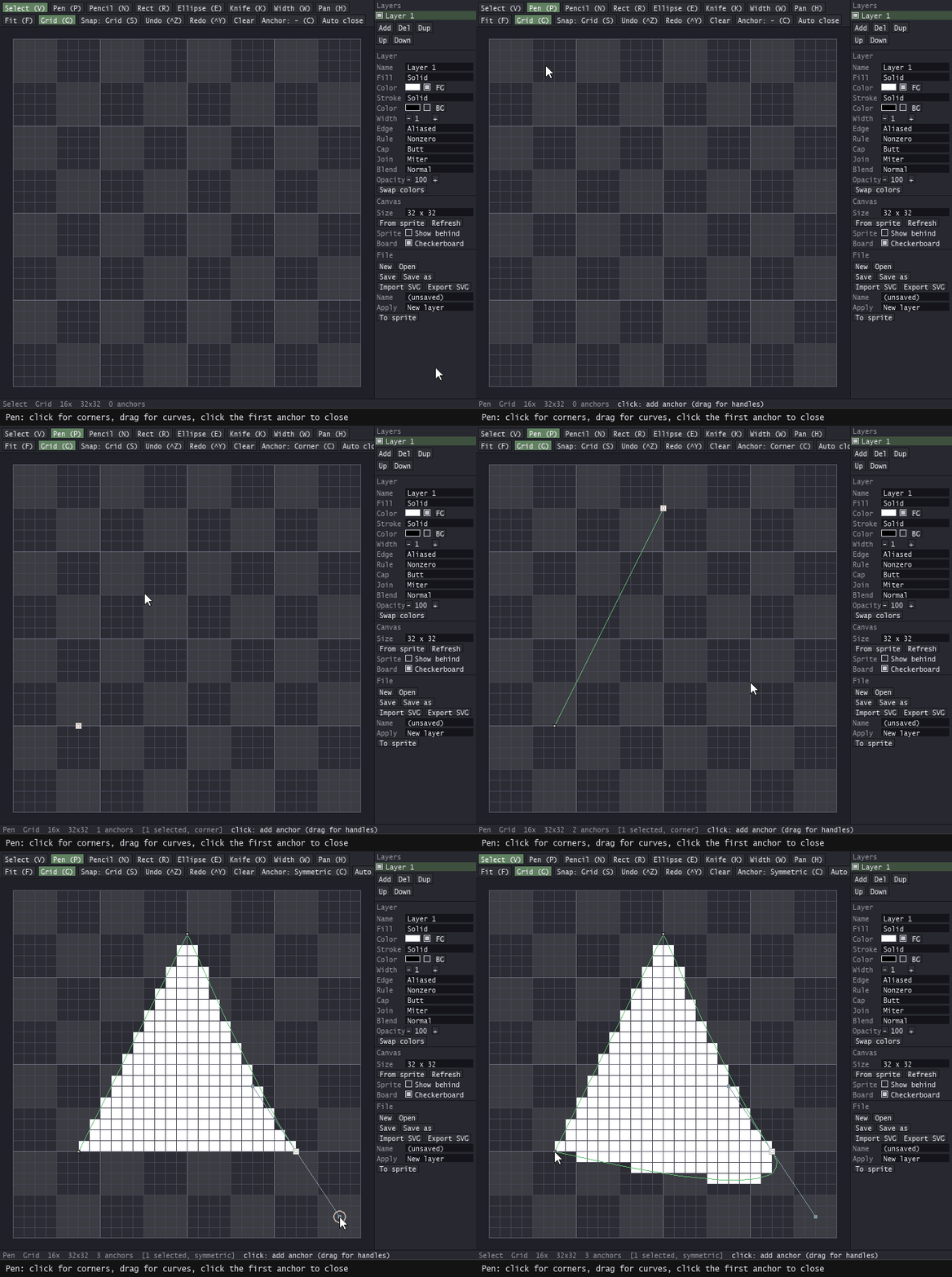
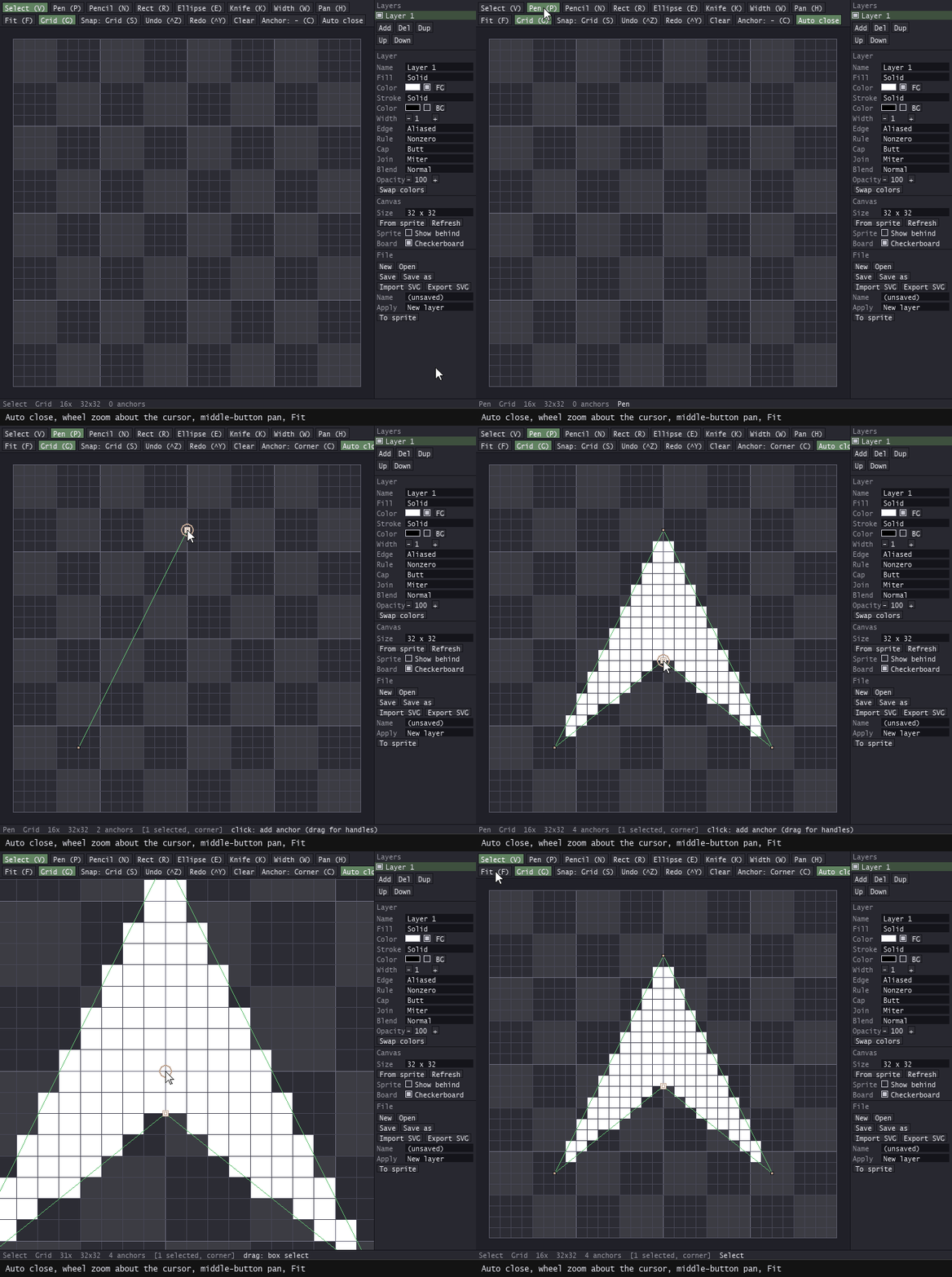
Pen tool
Click to place corners, drag to pull out a curve, click the first anchor to close.
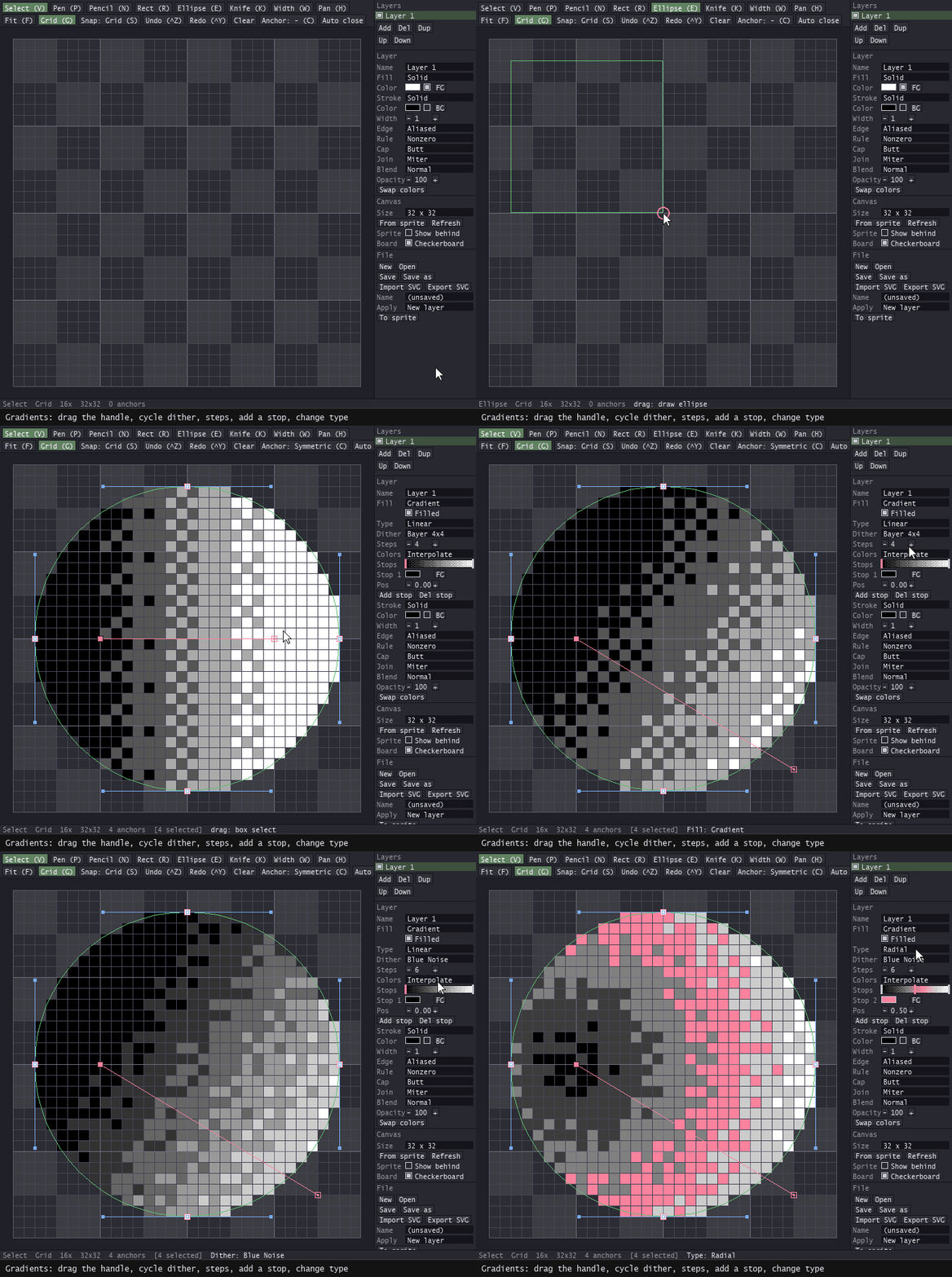
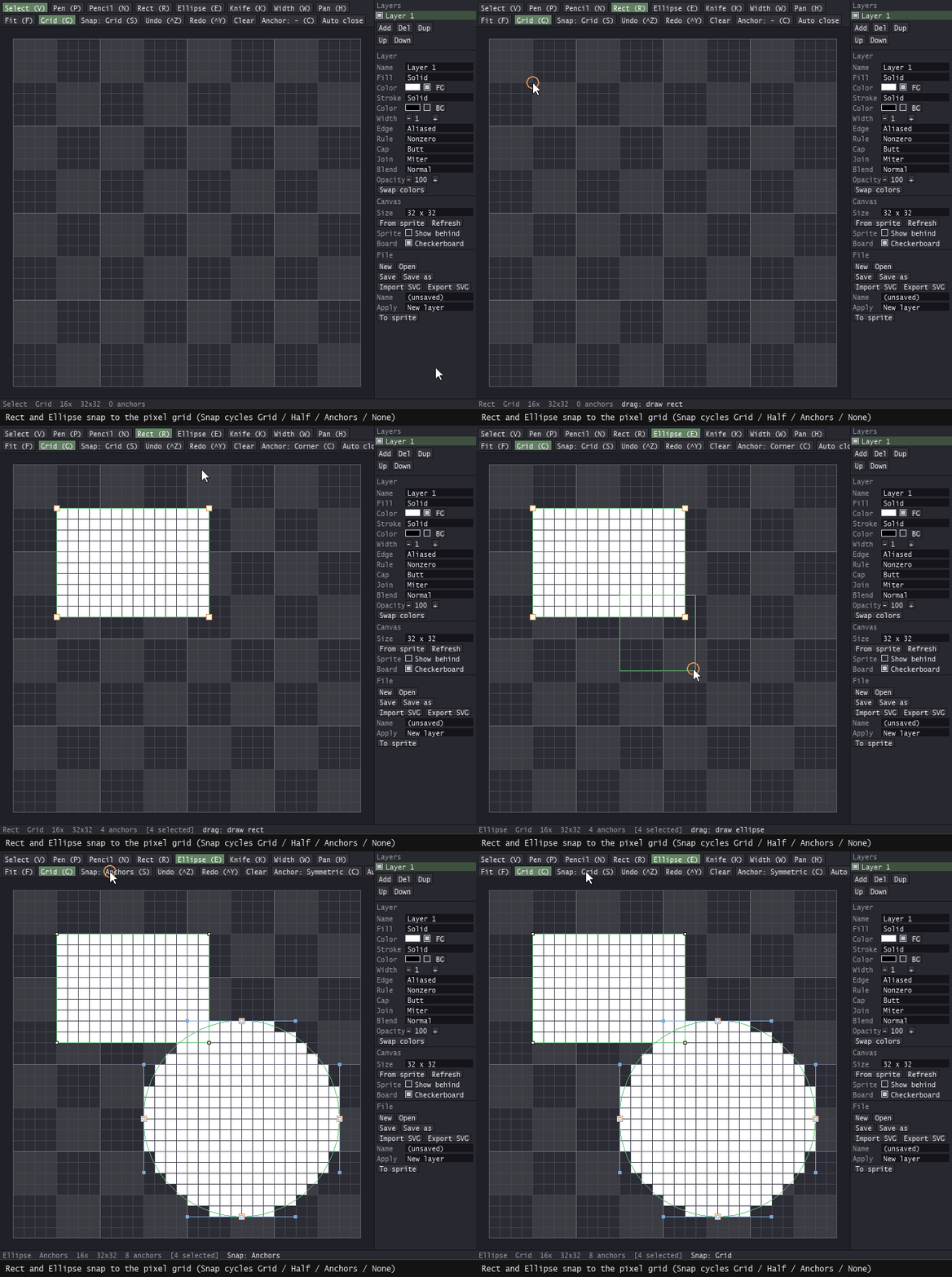
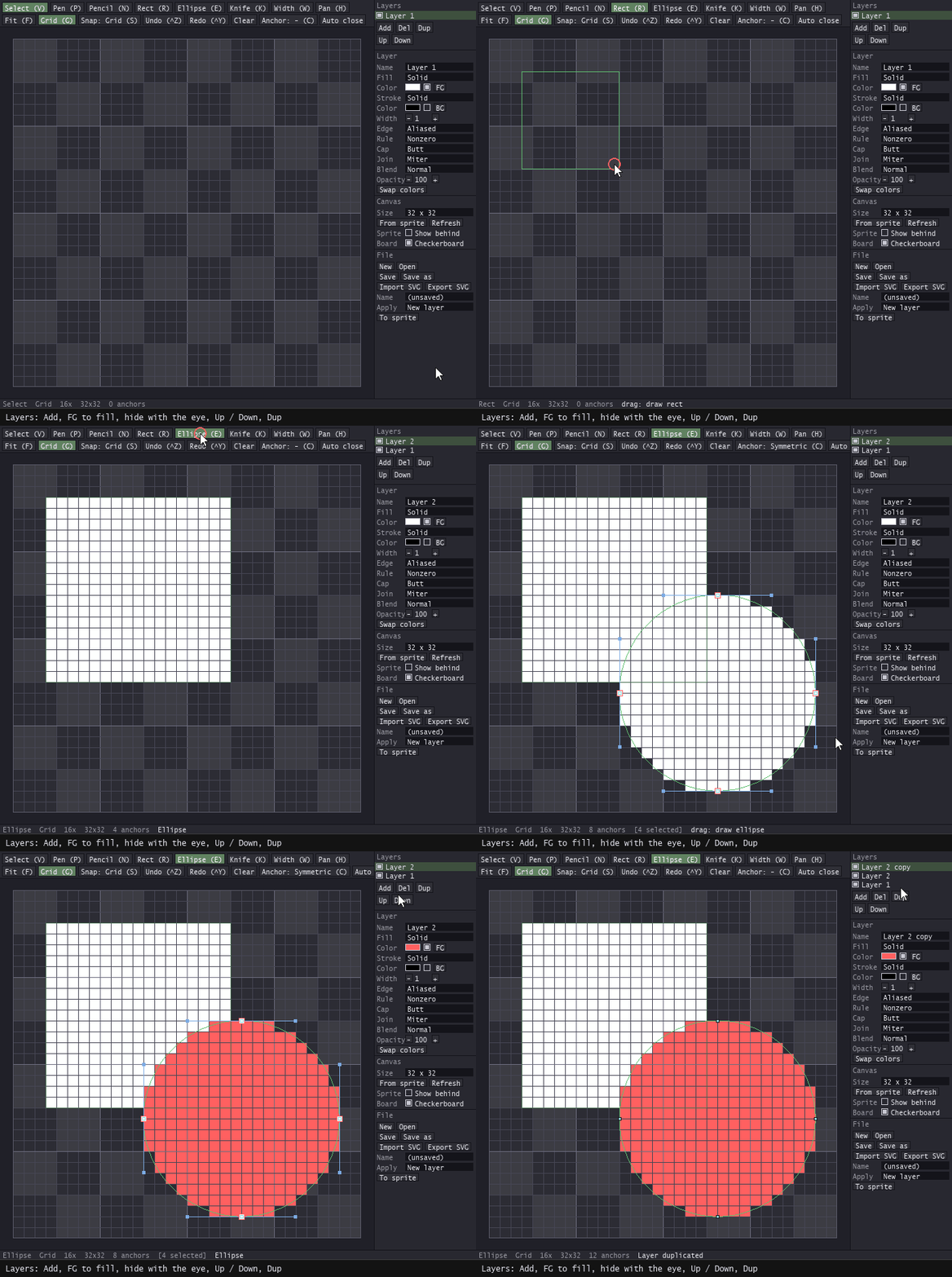
Rect and Ellipse
Drag a box; hold Shift for a square or a circle. Snap decides where the corners may land.
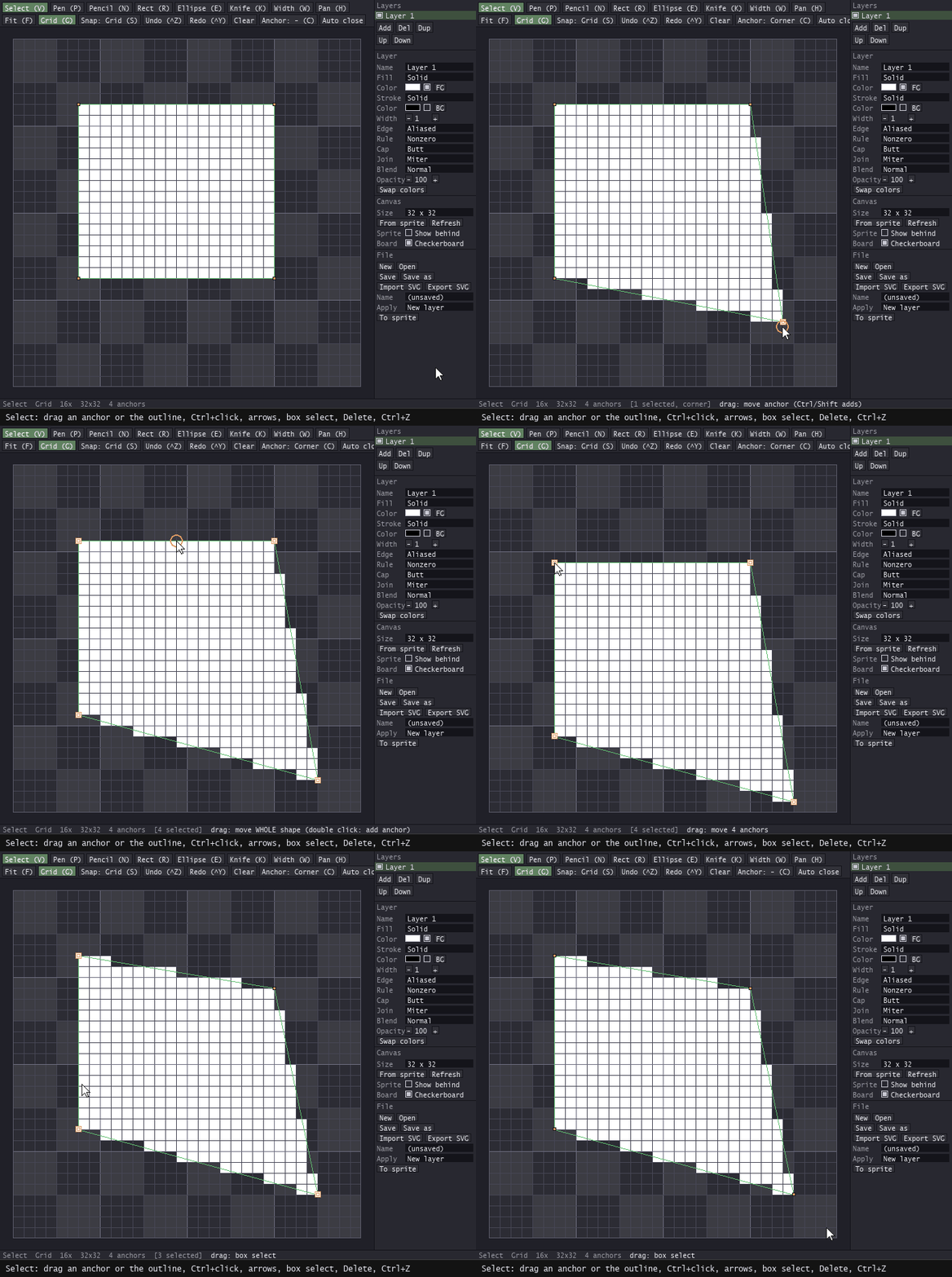
Select and move
Drag an anchor to move it, drag the outline to move the whole shape. Ctrl+click adds, arrows nudge, box selects, Delete removes.
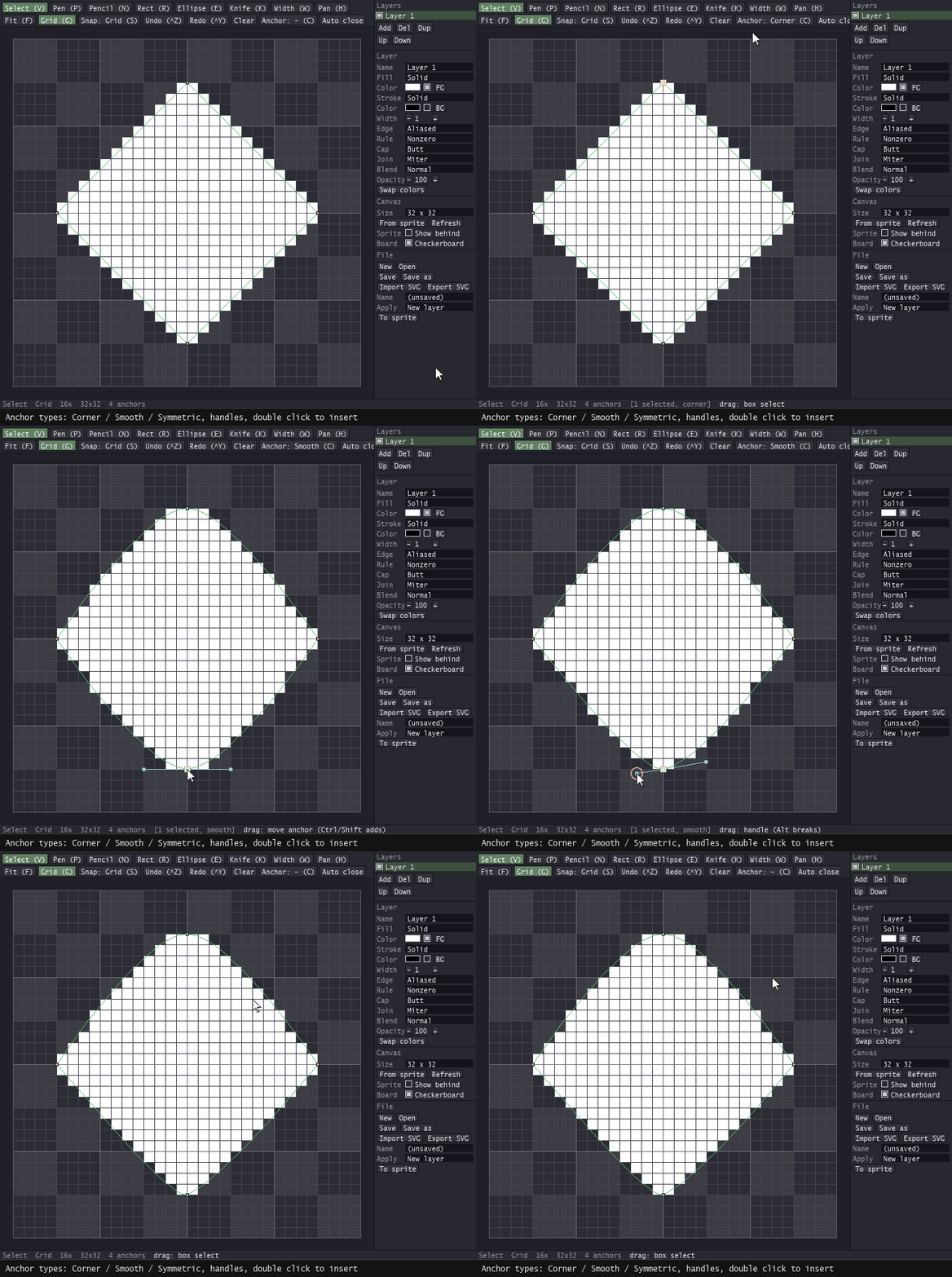
Anchor types
Corner, Smooth or Symmetric from one button (or C), handles you can pull, and a double click on the outline that inserts an anchor.
Layers
Layers with an eye, Add / Del / Dup / Up / Down, and the active one always in view.
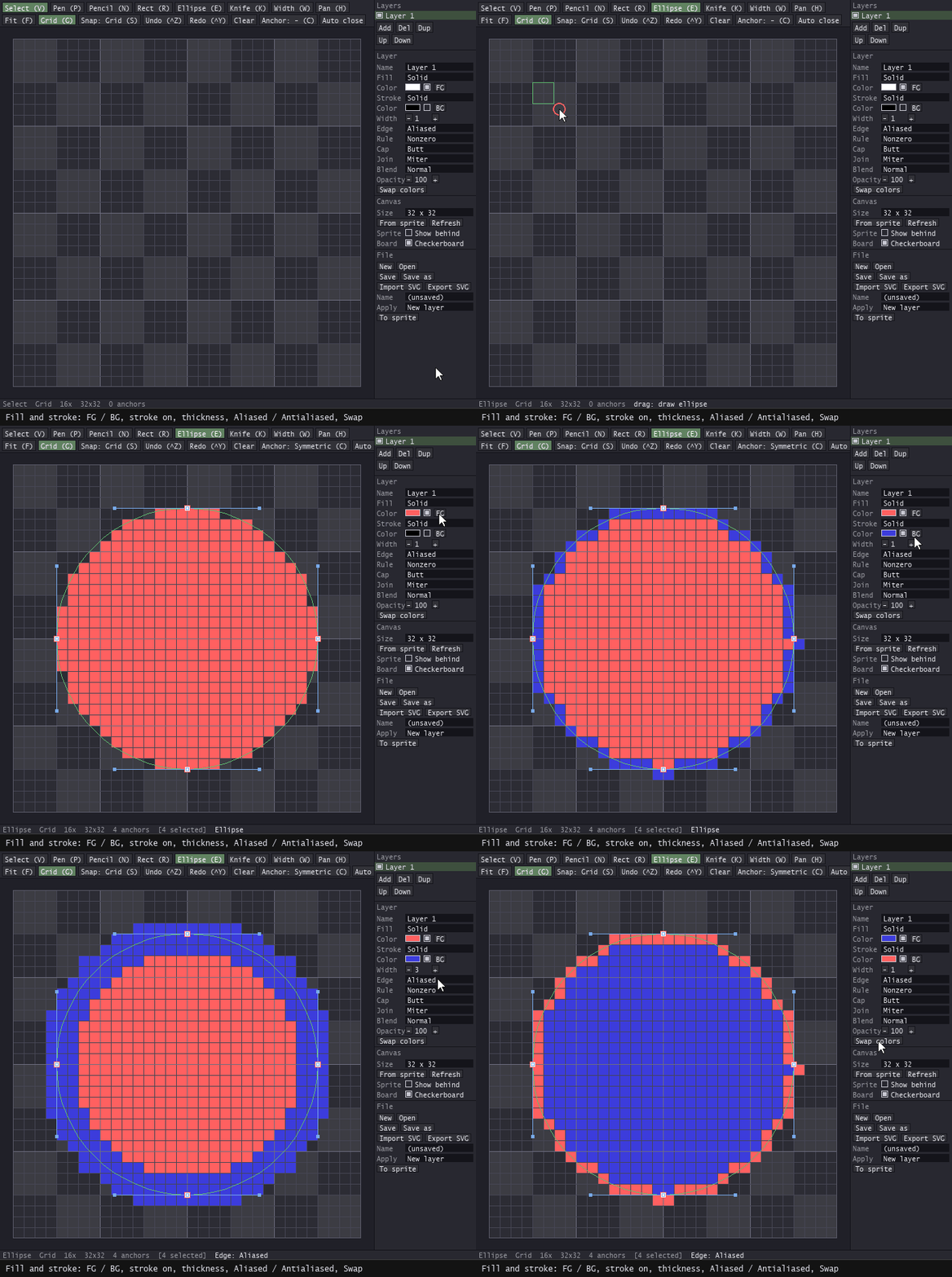
Fill and stroke
Fill and stroke per layer, one-pixel outlines walked pixel-perfect, thicker ones expanded with caps and joins.
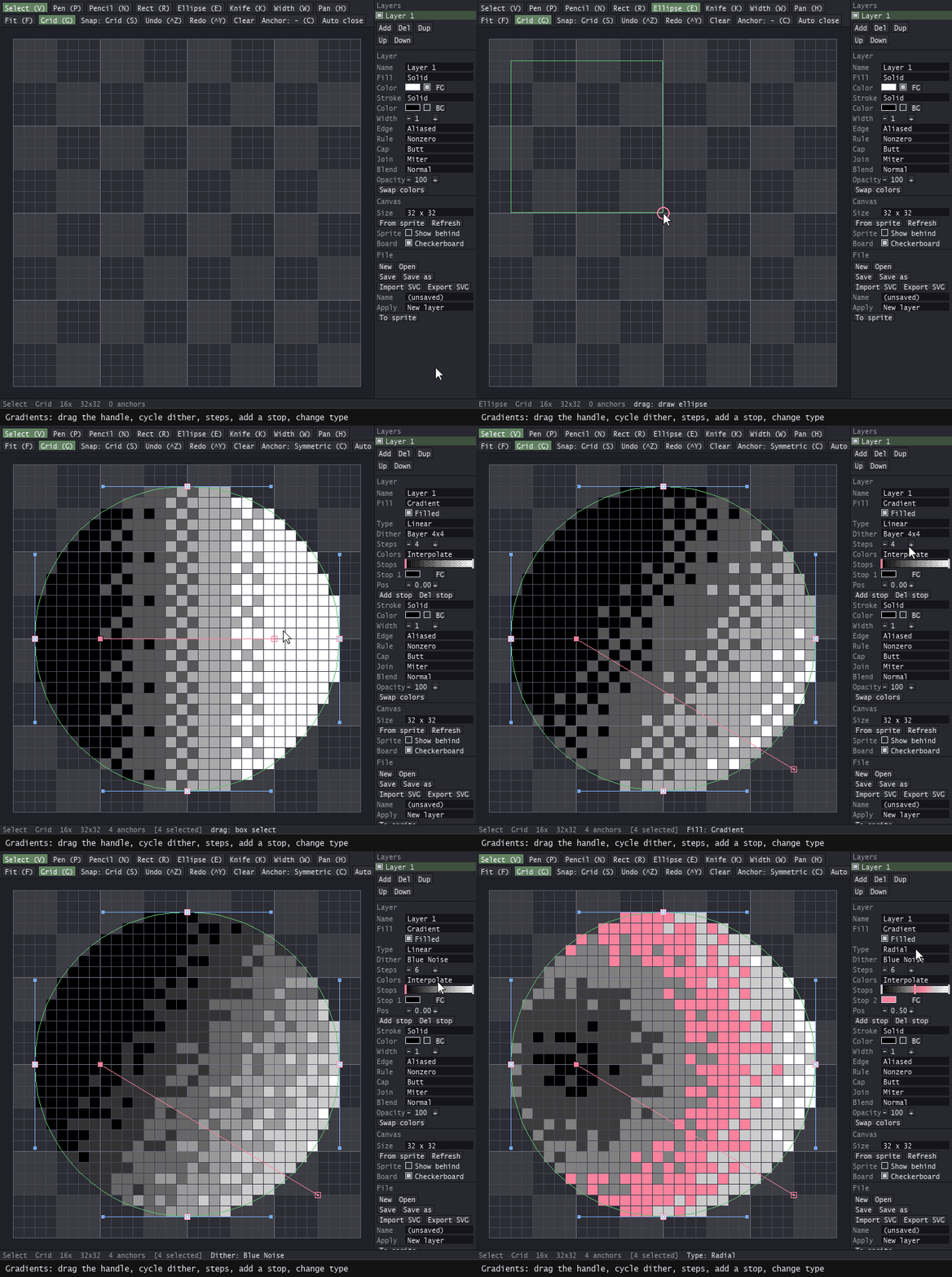
Gradients that become pixel art
Linear, radial, angular, diamond or reflected; pick the number of bands and the screen that breaks them: Bayer, blue noise, clustered, lines.
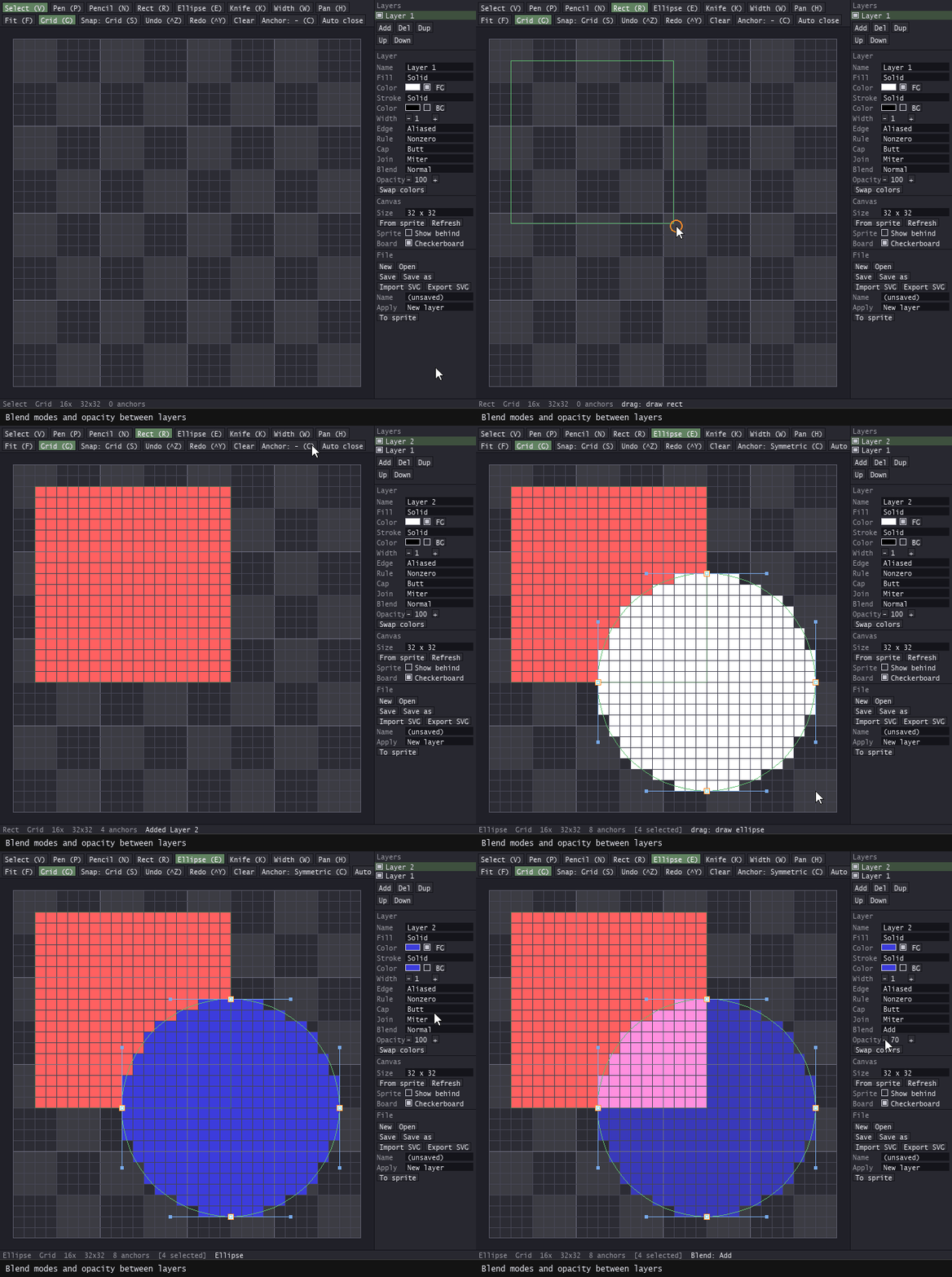
Blend modes and opacity
Nine blend modes and an opacity slider per layer, applied to the pixels below.
Auto close, zoom and pan
Auto close makes every Pen shape a filled one from the third anchor; the wheel zooms about the cursor, the middle button pans, Fit brings it all back.
Also
- SVG in and out: paths, shapes, transforms and arcs in; one path per layer with colours, strokes, opacity, blend and gradients out.
- Straight into the sprite: new layer, active cel or new sprite. Indexed and grayscale sprites get the nearest palette colours.
- Its own .vesprite file; the drawing survives closing the window and closing Aseprite.
License
- Use VeSprite in any project: personal, commercial, client work, games you sell.
- Everything you draw and export is yours. No attribution required.
- Install on every machine you own. One purchase per artist.
- Modify the source for your own use.
- Reselling or redistributing VeSprite, original or modified, is not allowed.